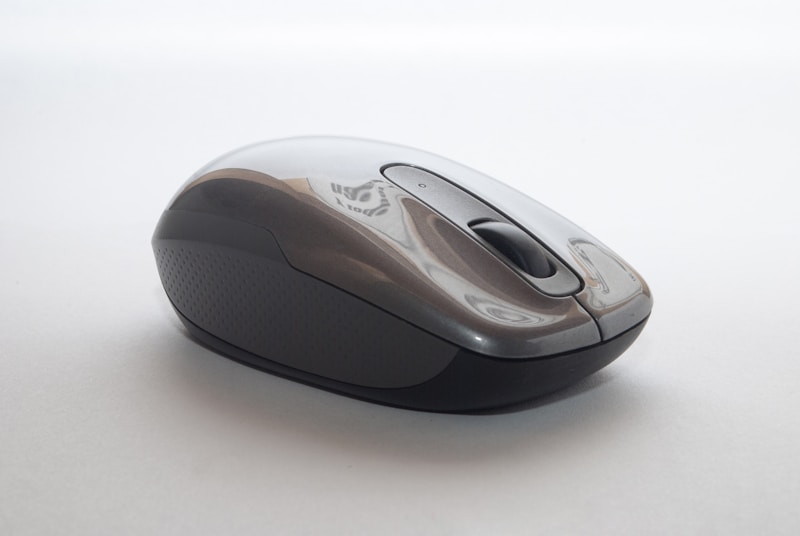
Keep your keyboards, mice, and monitors in top condition with our comprehensive cleaning guide.
Regular cleaning extends the life of your tech accessories and maintains hygiene. Here is how to clean each device safely.
Keyboards
Turn off your keyboard and disconnect it. Use compressed air to remove debris between keys, then wipe surfaces with a slightly damp cloth. For deep cleaning, remove keycaps and clean with soap and water.
Mice
Wipe down the mouse with a microfiber cloth. Clean the sensor lens with a dry cotton swab. Remove hair and debris from the mouse feet.
Monitors
Turn off the monitor. Use a dry microfiber cloth to remove dust. For smudges, lightly dampen the cloth with water or monitor-safe cleaning solution.